
Dental Softworks DS CAM V5 chairside Licence
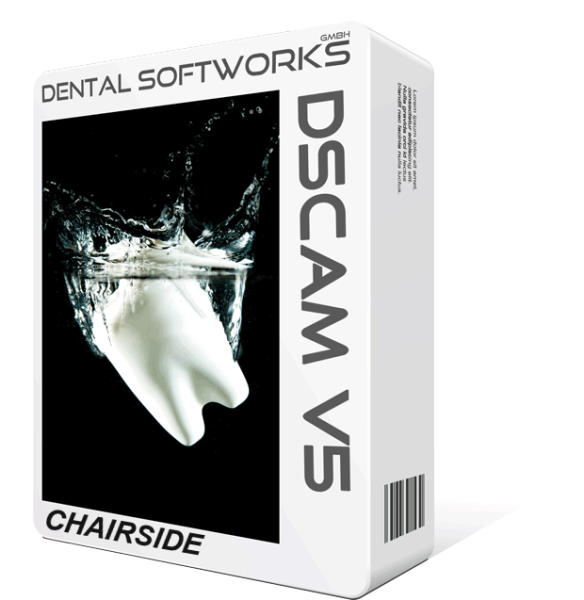

Dental Softworks DS CAM V5 chairside Licence
DS CAM V5 chairside offers the full range of functions of DS CAM V5 for ‘small’ milling and grinding machines in dental practices and laboratories – for example, benchtop units for single crowns, inlays and small bridges.
Before placing your order, we will check with you and Dental Softworks to ensure that your machine is compatible with the chairside licence. As your production grows, you can upgrade to the full version without having to buy a new licence.
Dentoo supplies DS CAM with everything you need for a productive start: consultation and trial phase, installation, training, set-up of machine, tools and materials, and first-level support in day-to-day use.
Scope
| Product | DS CAM V5 chairside, perpetual licence |
| Suitable for | small milling tools and grinding machines (check suitability in advance) |
| Design | with a hardkey dongle or without a dongle (only if a suitable dongle is available) |
| Extension | Upgrade to DS CAM V5 Full Version (800256) |
| Updates | free of charge within the V5 major version |
System requirements
| Processor | Intel Core i7 or Xeon, at least 4 cores with Hyper-Threading (12–16 cores recommended, up to 24 supported) |
| Operating system | Windows 10 or 11 Pro, 64-bit |
| Graphics | Nvidia with at least 2 GB memory (AMD not guaranteed) |
| RAM | at least 8 GB, 32 GB recommended |
| Hard disk | at least 100 GB free, SSD recommended |
| Display | 1920 × 1080, mouse with scroll wheel |
DS CAM in action
- Denture workflow in DS CAM V5
- Denture workflow from exocad incl. calculation
- Quick semi-automatic workflow from exocad
- Automatic workflow in DS CAM V5
- Automatic workflow from exocad
You will find the manual, web installer, dongle driver and the list of supported machines in the links below the description. We will send you the password for the web installer after your purchase.
What the free software support covers and what is charged as training or application consulting is set out in our DS CAM support policy.


