
Formware 3D Slicer - Kommerzielle Lizenz





Prices plus VAT plus shipping costs
Ready to ship today,
Delivery time appr. 1-3 workdays
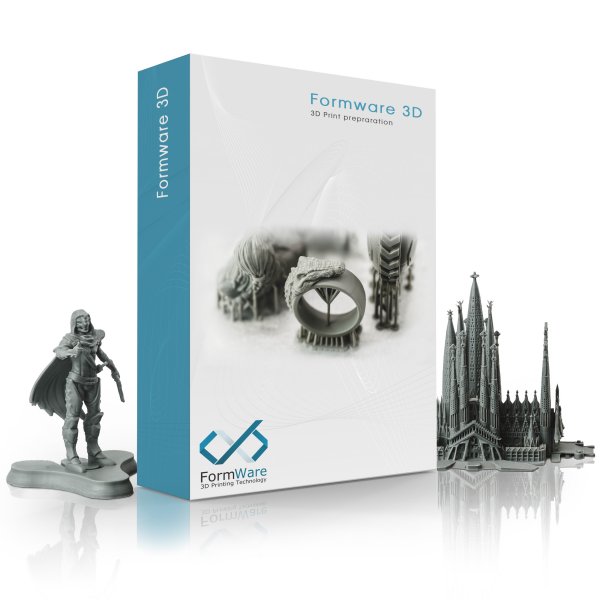
Formware 3D Slicer
Formware 3D Slicer is a software developed for preparing 3D print jobs. It is compatible with devices from these brands: ASIGA, Kudo 3d, Wanhao, Anycubic, Phrozen, Elegoo, Epaxx, NanoDLP, Peopoly and many other manufacturers of generic LCD/DLP printers.
Features
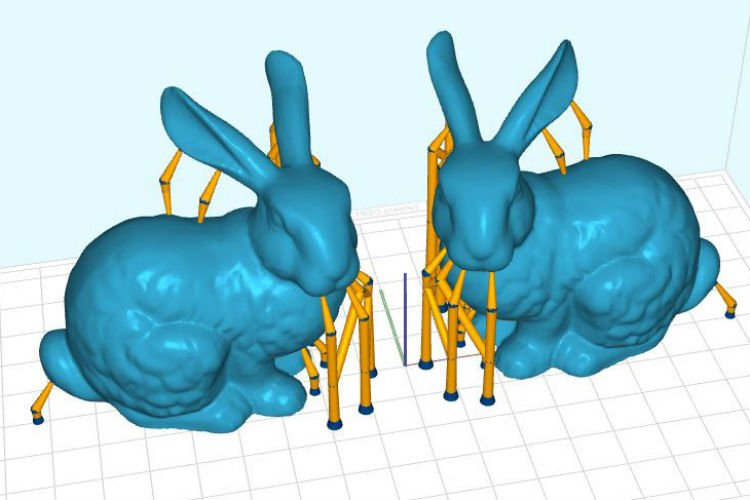
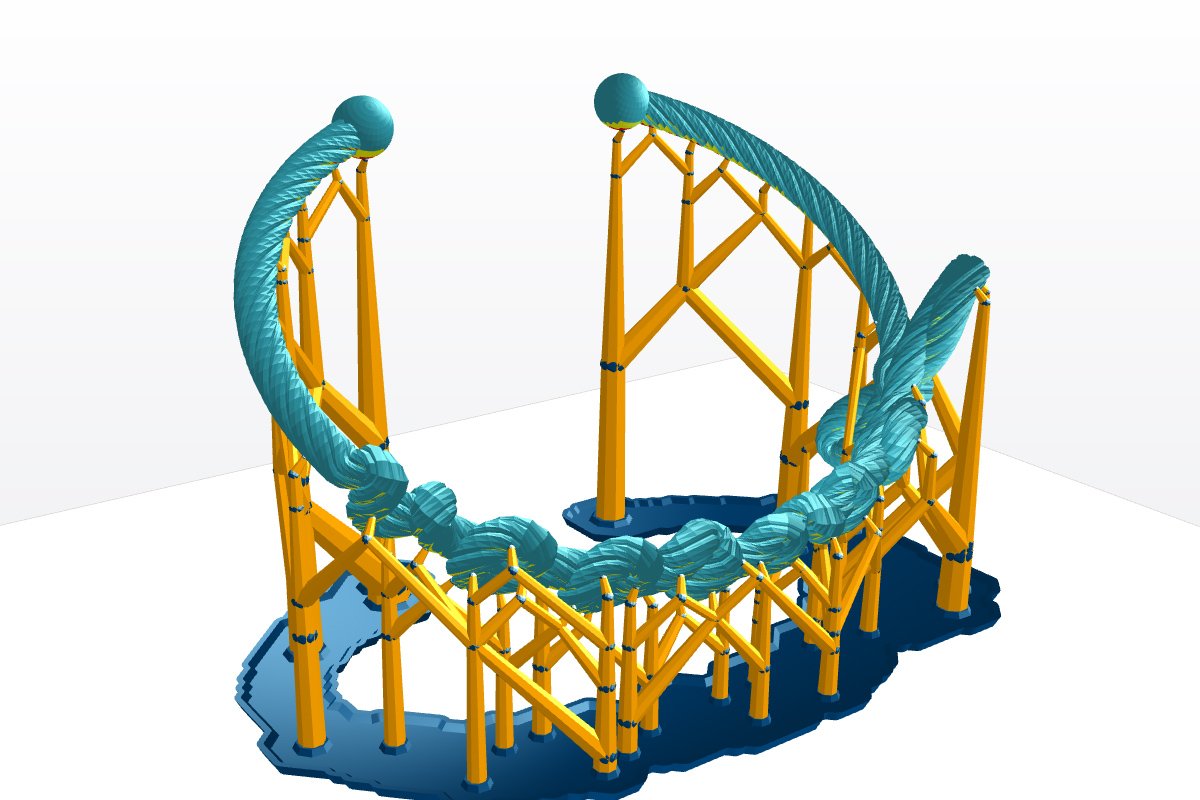
- Automatic creation of support structures
- Draggable support with automatic re-correction
- Support can be displayed as lines or points
- Corners/surfaces classified as critical can be edited and even removed
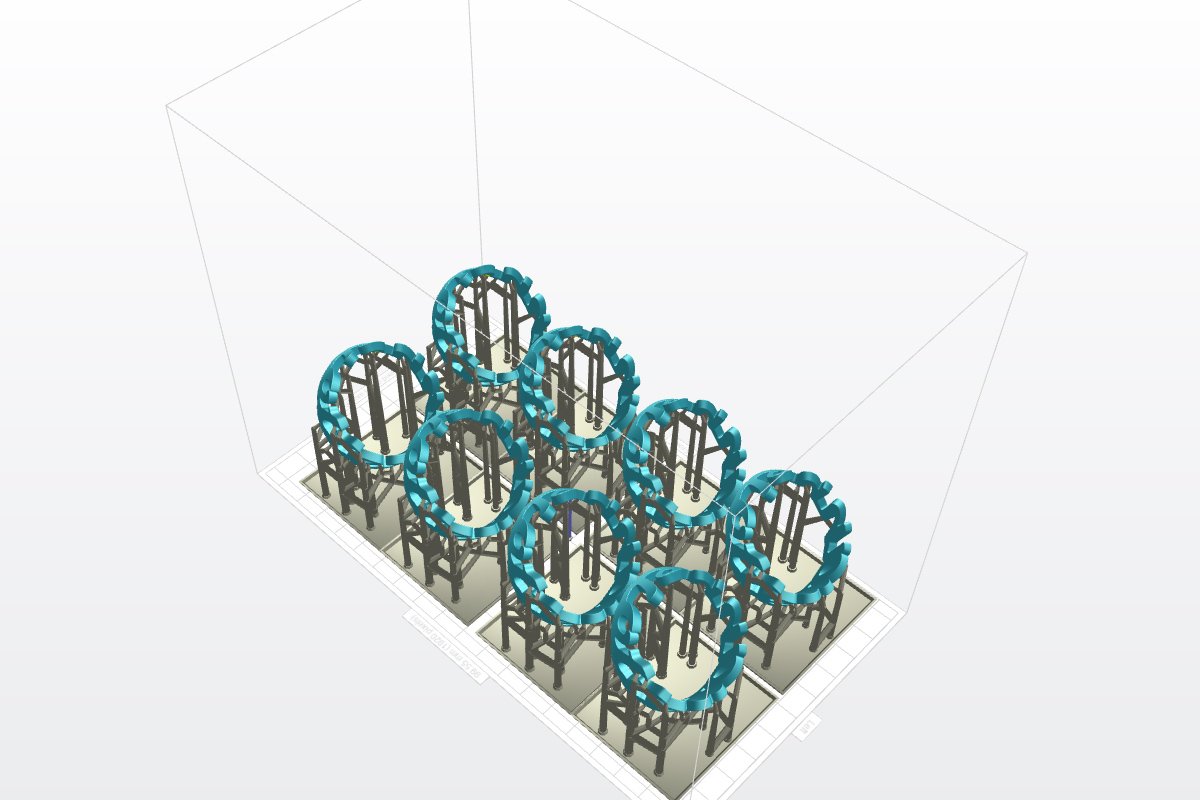
- Automatic hollowing of the object ("mesh-hollowing")
- Creation of drainage holes for resin to flow out
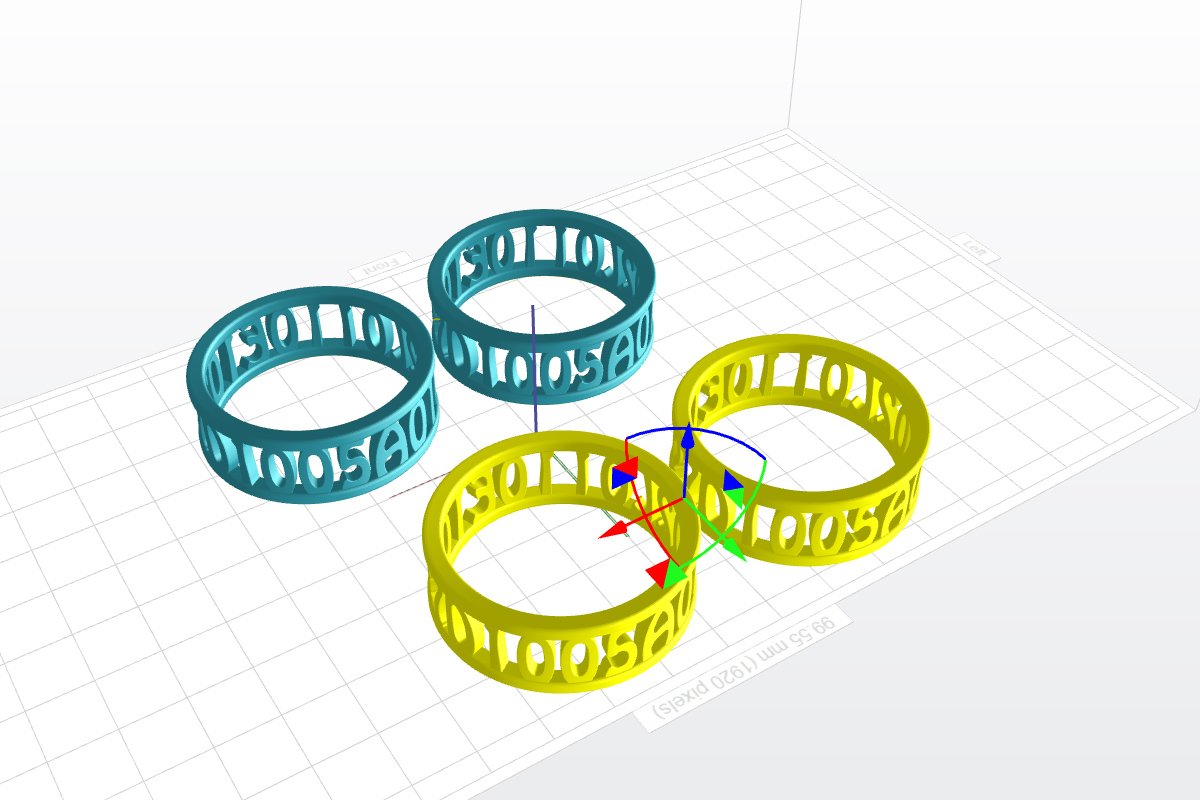
- Mirror and scale objects along with their support
- Automatic addition of internal supports for solid objects
- Import and export of .stl, .obj, .ply, .amf, .gcode, .photon, .cws and project files
- Copy function for objects and support
- many keyboard shortcuts for fast working
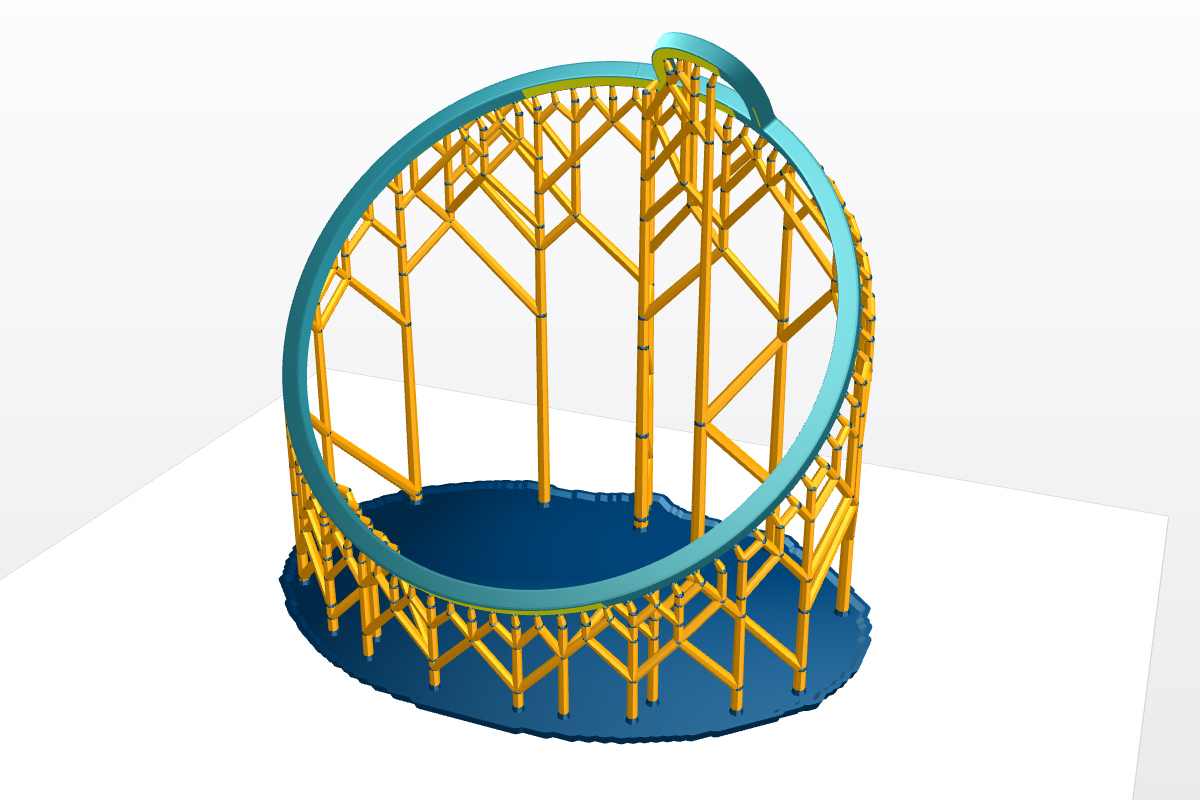 | 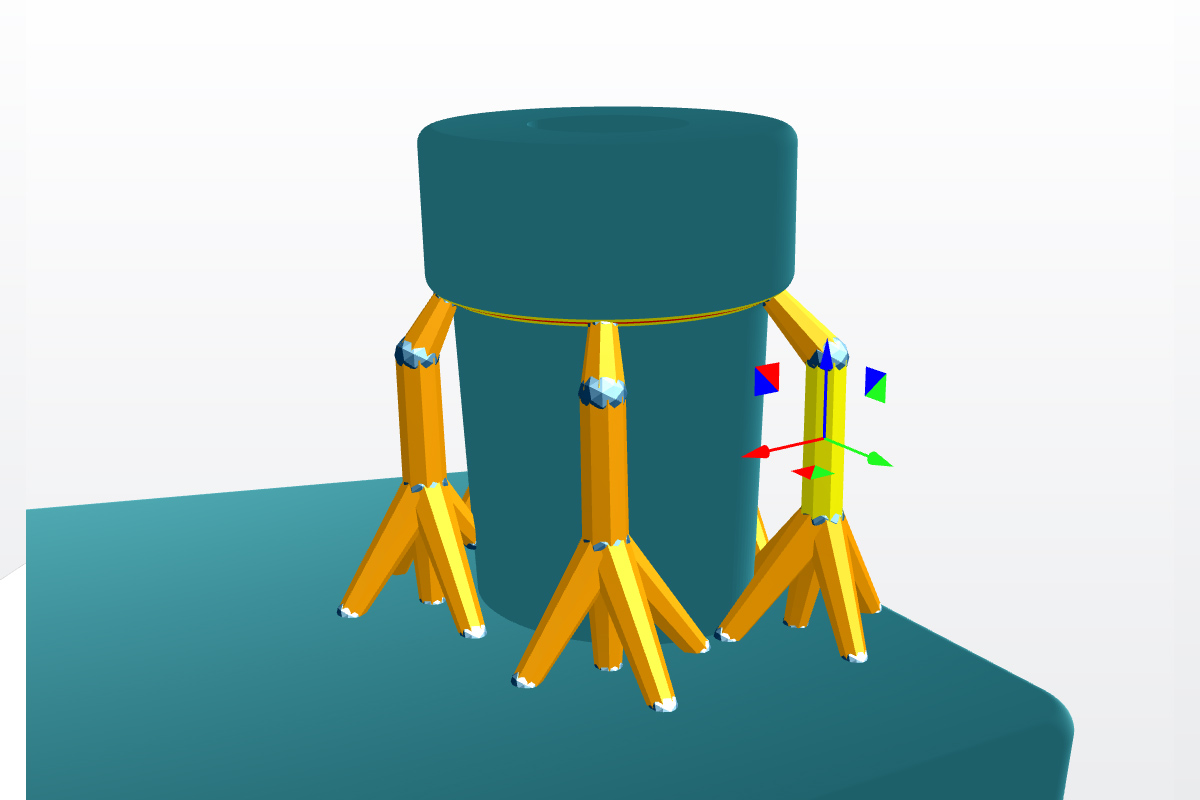 | 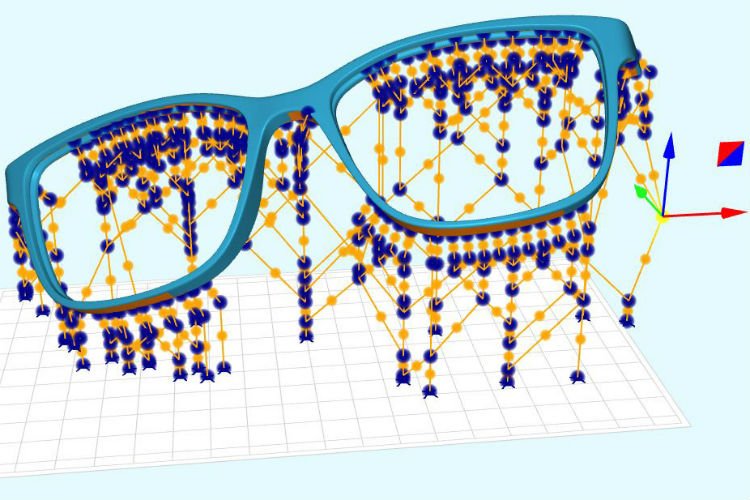 | 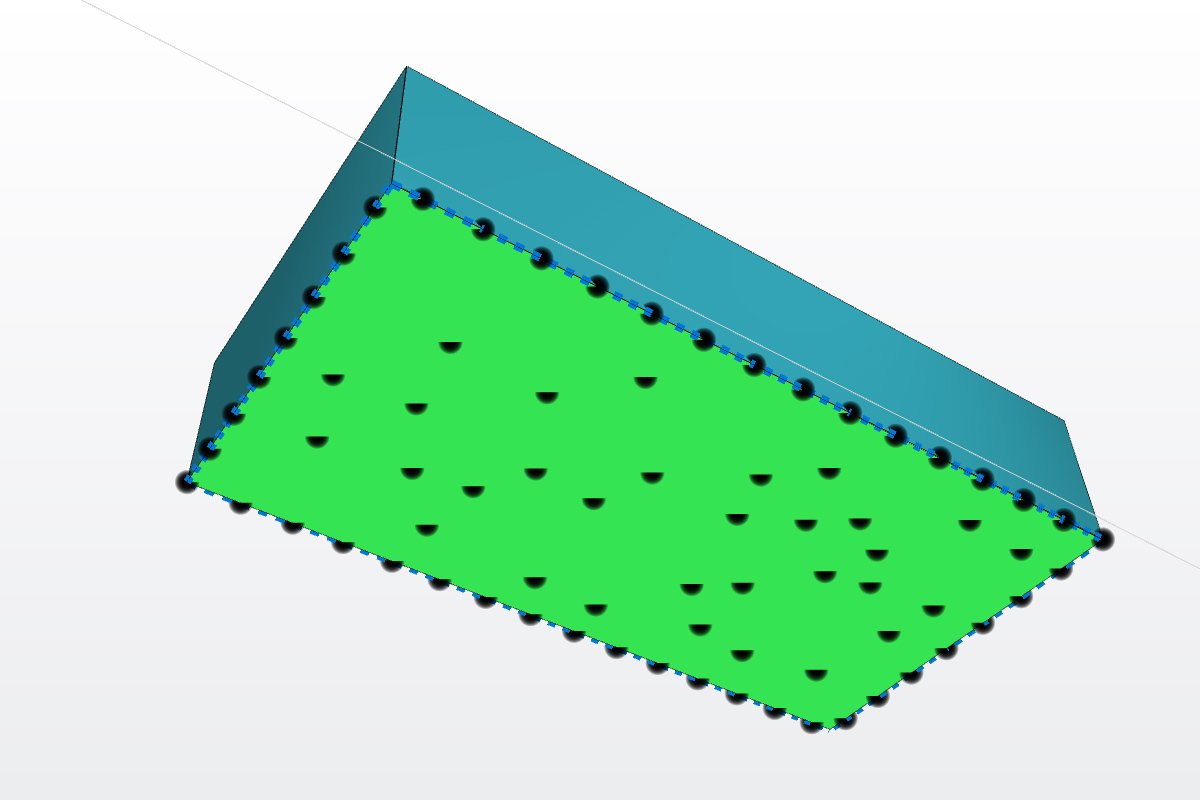 |
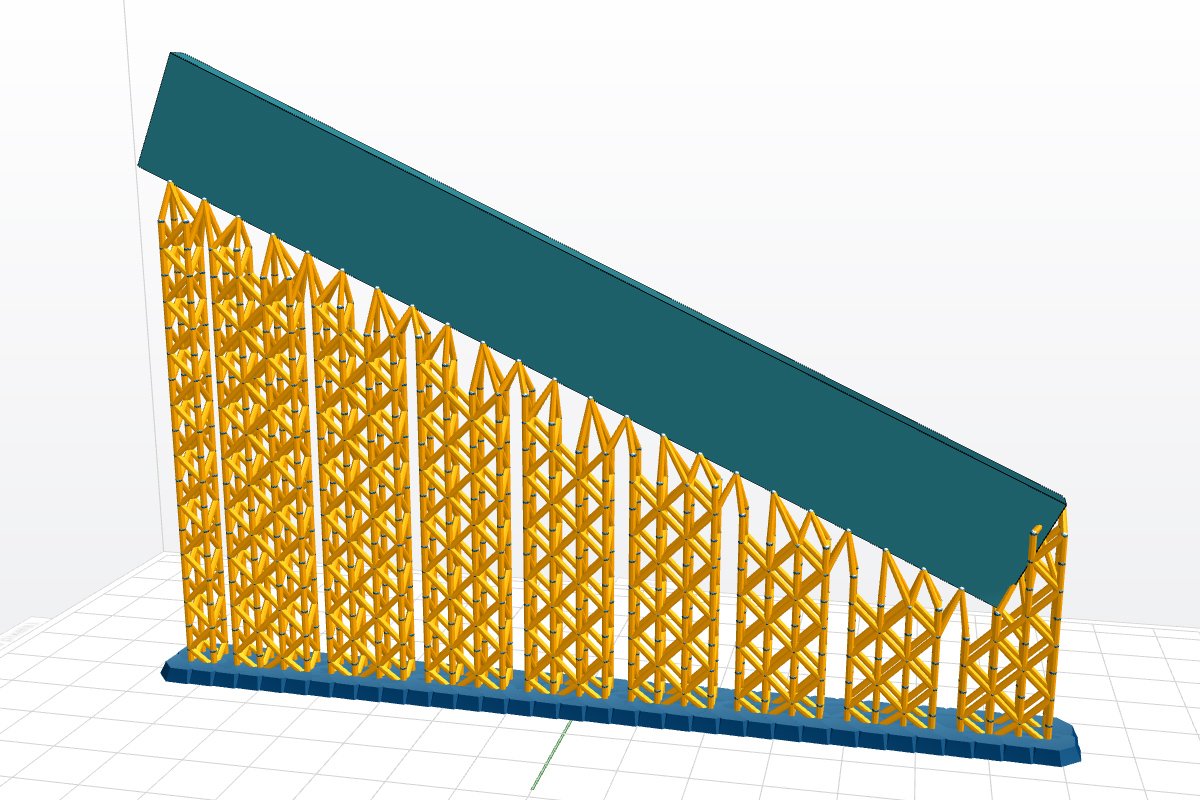
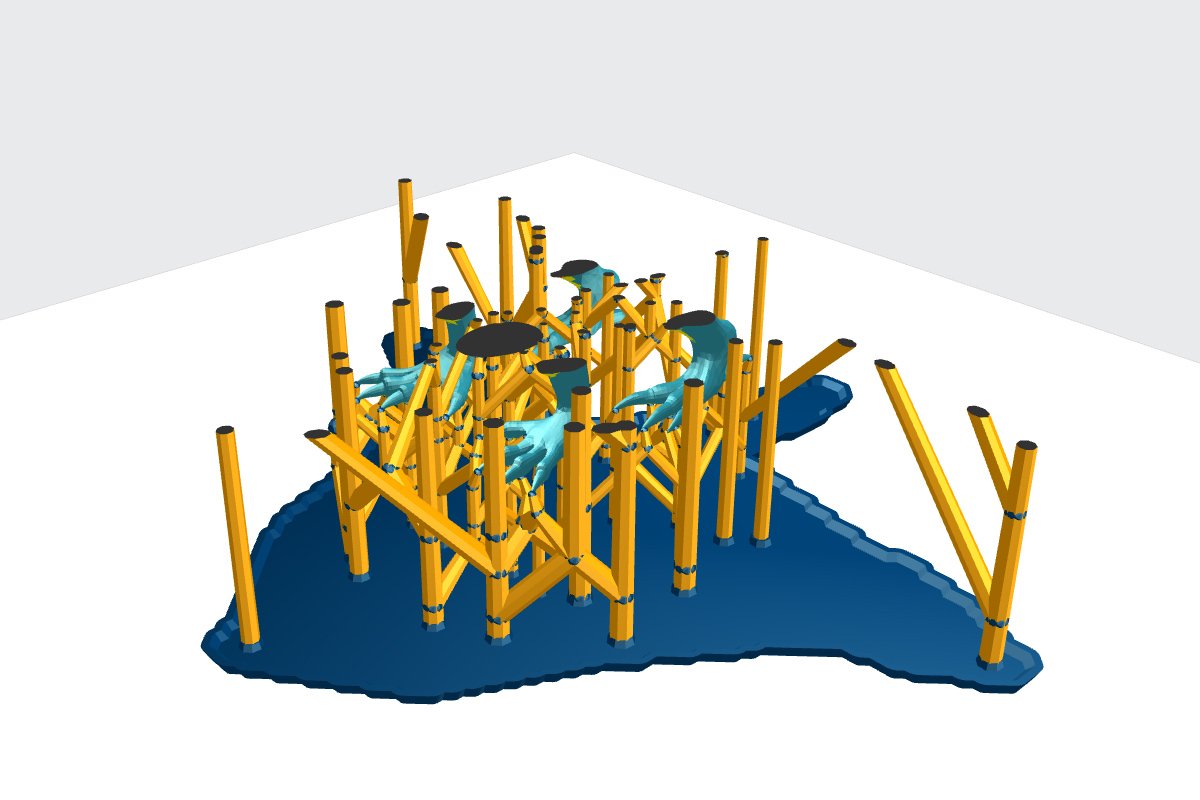
| AUTOMATIC GENERATION The fastest way to support the creation of your prints. Automatically. | 100% MOVABLE SUPPORTS Simply drag supports and the geometry adjusts automatically. | POINT/LINE MODE Editing supports made easier in point/line mode. | ADVANCED EDGE AND SURFACE EDITING Edit, re-sample and delete critical detected surfaces or edges. |
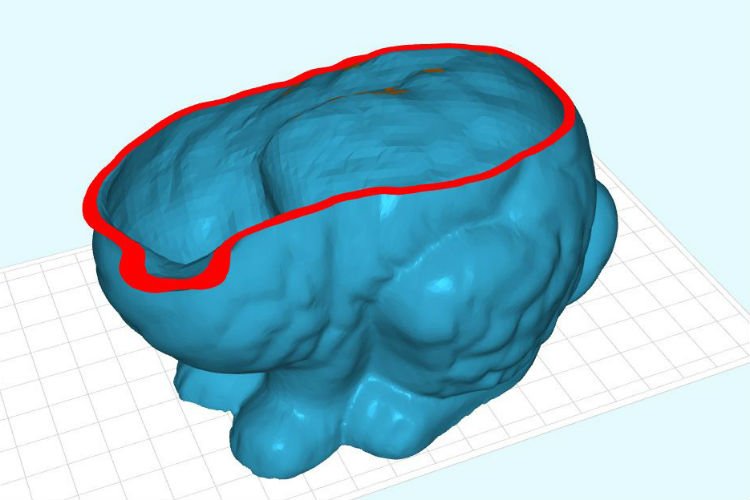 | 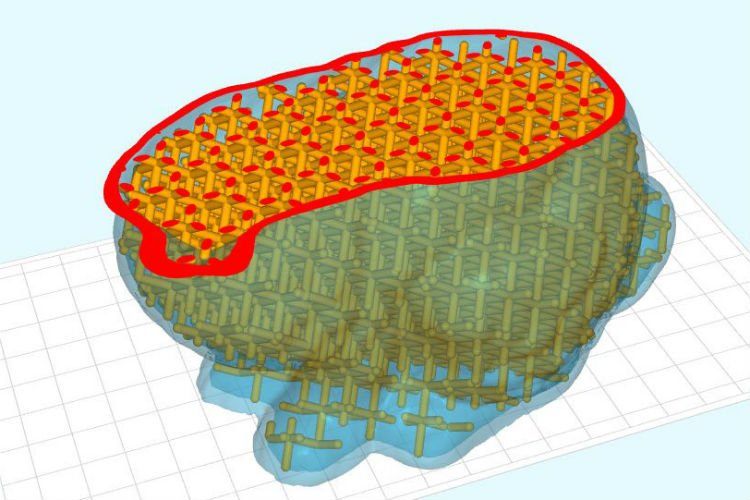 | 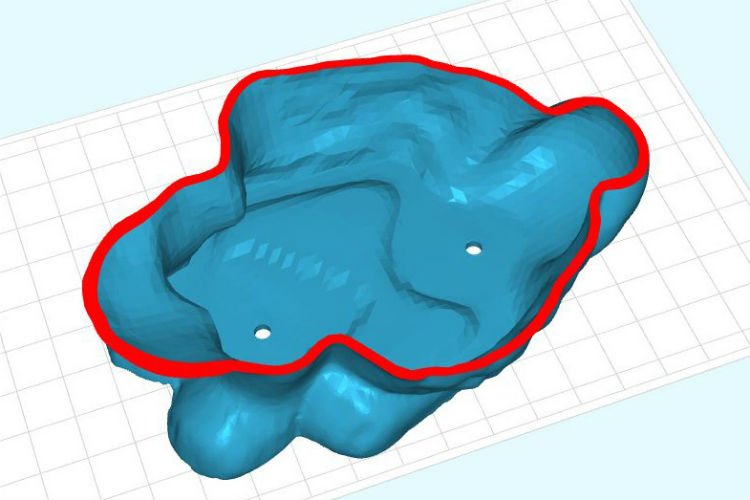 |  |
| MESH HOLLOWING Hollow out your mesh to save print material and create a lightweight structure. | LATTICE INFILLS Add perfect lattice infills to obtain a strong part. | DRAINAGE HOLES Add holes to your hollow bodies so that the material can flow out easily during printing. | MIRRORING AND SCALING Easily mirror/scale your supported part including the supports. This saves you time. |
 |  |  |  |
| OBJECT MANIPULATOR Drag manipulator lets you easily move, rotate and scale your objects. | COPY Array-copy objects to create an entire table with just a few clicks. | IMPORT AND EXPORT Import and export .stl, .slc, .obj, .ply, .amf and project files to save all your work. | SHORTCUTS AND MORE Formware 3D includes an extensive list of keyboard shortcuts to save you time. |
 |  | 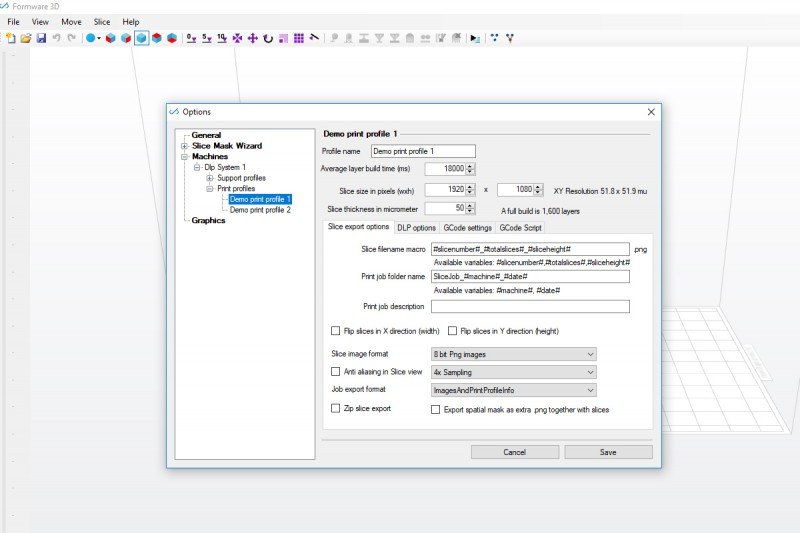 |  |
| FAULT-TOLERANT SLICING Slice your models quickly and fault-tolerantly with GPU slicing. | LIGHT MASKS Use light masks to ensure uniform light intensity across your platform. | CUSTOMISABLE EXPORT Export slices, G-code, preview, print profiles, etc. Many options to choose from. | EXTREME SLICE SIZES Slicing engine tested up to 8000 x 8000 x 8000 pixels. |
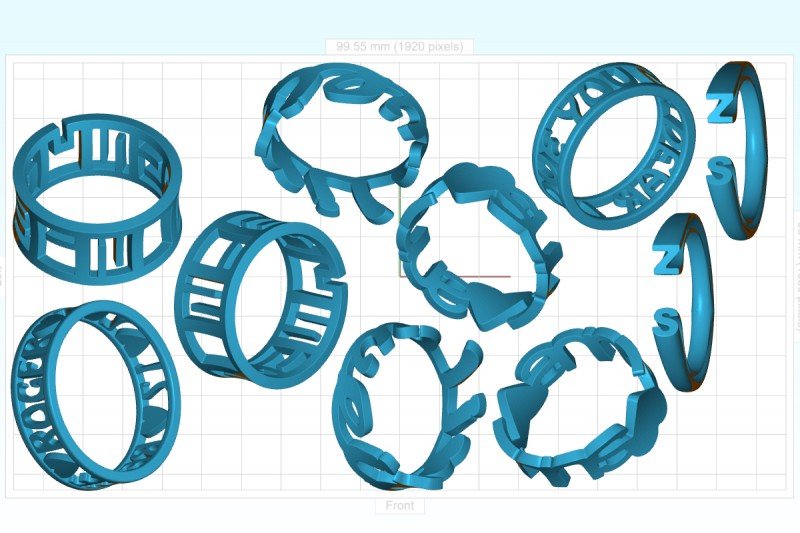 | 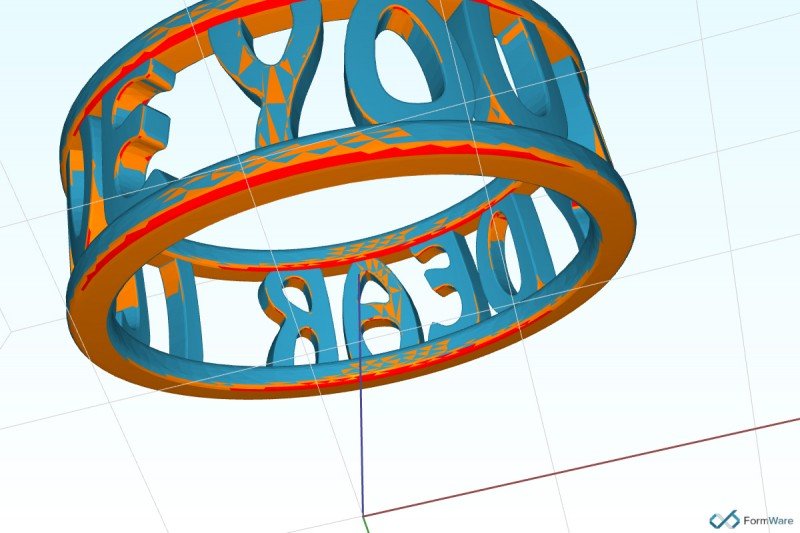 | 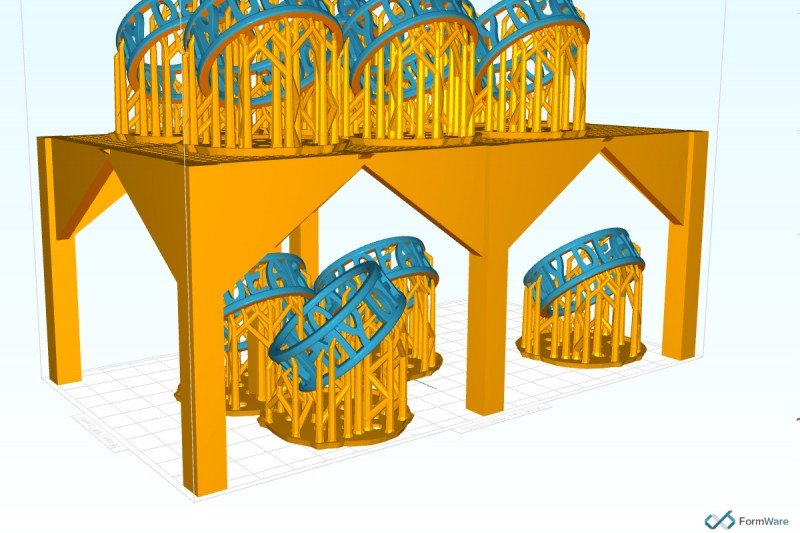 | 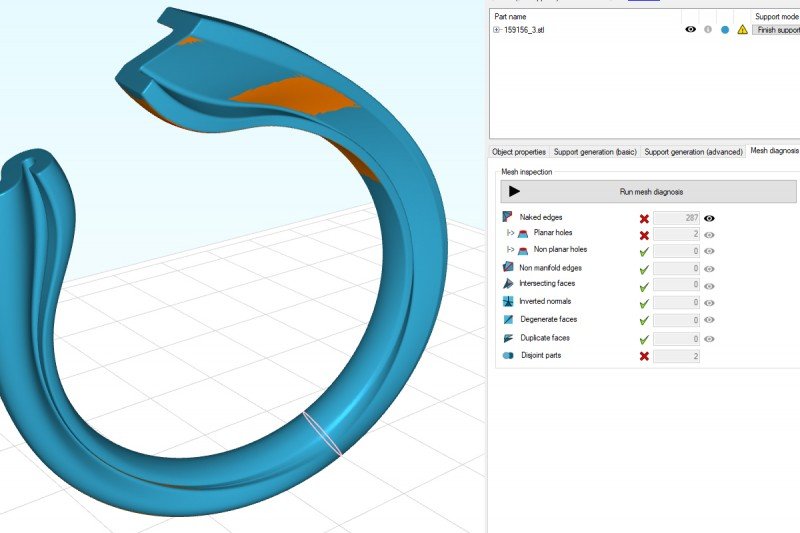 |
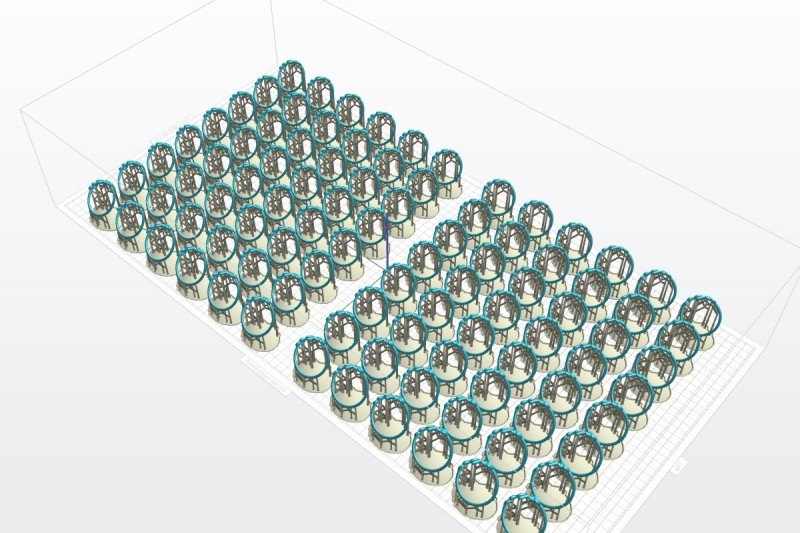
| 2D NESTING Nesting of irregular shapes in 2D to maximise build-table utilisation. | AUTOMATIC ORIENTATION Automatic orientation of objects to minimise downward-facing surfaces. | ADD BASE STRUCTURES Print in multiple layers to maximise your print output. | MESH ERROR CHECKING Automatic error detection and advanced diagnostics. |
System requirements
- OpenGL 3.3
- Windows 7, 8 or 10 (32 or 64 bit)
- min. 2 GB RAM, ideally 4 or more
- a dedicated graphics card is recommended but not required